Product Designer & AI Builder — Lagos, NG

Promise
Tomiwa
Ayandele

AI-fluent product designer building tools that actually work — from fintech products serving thousands to solo-shipped AI tools. Currently co-founding Husridge and redesigning how Africa's creative industry connects talent to opportunity.

4+
Years designing
6+
Products shipped
2
Startups co-founded
Who I am

Designer who
builds, builder
who designs.

I'm a product designer and co-founder based in Lagos, Nigeria, with four years of experience across fintech, HR tech, supply chain, and community commerce. I began my career in HR consulting before fully transitioning into product design in 2022.

What sets me apart is that I don't just design products — I build them. Using AI-augmented workflows and tools like Next.js, I ship production-quality tools solo, compressing the gap between design thinking and real-world execution.

"I studied Educational Political Science at OAU. That's not a typo — it taught me how systems shape behaviour, which turns out to be the most useful thing you can know as a designer."

  • AI Product Design Building tools that leverage LLMs meaningfully, not gimmickally
  • Fintech UX Payment flows, trust design, and onboarding — currently at Payonus
  • Design Systems Scalable, documented, and actually adopted by engineers
  • Vibe-Coding Shipping real products with Next.js, API integration & prompt engineering
  • Marketplace Design Creator economy, talent platforms, two-sided market UX
  • Thought Leadership @techwithtomiwa — AI's impact on Africa's workforce
  • Strategic Design From seed-funding evidence to investor presentations
Selected Work

Case
studies

Products I've designed, built, and shipped — from AI tools to enterprise platforms that contributed to seed funding rounds.

What is UX Rival?

UX Rival is an AI-powered competitive UX analysis tool that allows designers, product managers, and founders to instantly compare the user experience of two digital products. You input your product URL, a competitor's URL, and optionally define a focus area — and the tool returns a structured, AI-generated analysis covering navigation, onboarding, visual hierarchy, feature gaps, and actionable recommendations.

It was built out of a direct personal frustration: competitive analysis is one of the most important but most time-consuming parts of the design process. Manual methods produce inconsistent, shallow insights. UX Rival makes the process fast, consistent, and exportable.

~30s
Time to full analysis
Solo
Design + engineering
100%
Vibe-coded & shipped

Competitive analysis was broken.

Traditional competitive UX analysis means: open competitor's app, take screenshots, write notes in Notion, try to draw comparisons, spend 3–6 hours, produce something that's already outdated. Product designers do this constantly — and it's one of the least loved parts of the job.

The problem isn't just time. It's consistency. When the analysis is manual, it's filtered through the analyst's biases and current mood. There's no standardised framework, no reliable rubric, and the output format changes every time.

Time drain

A proper competitive UX analysis takes between 3–8 hours manually. Designers deprioritise it, skip it, or do it badly under time pressure.

📊
Inconsistent outputs

Without a standard format, insights from competitive analysis are hard to compare across projects or share with stakeholders meaningfully.

🧠
Shallow coverage

Manual analysis tends to focus on visuals and features. Deeper UX patterns — flows, friction points, trust signals — are often missed.

🔁
No reusable foundation

Each analysis starts from scratch. There's no shared intelligence across analyses, no pattern library built over time.

From insight to shipped product — solo.

UX Rival is a testament to the AI-augmented design workflow I've been developing. The product was ideated, designed, and engineered entirely by me — without a co-founder, without an engineering team, and without a large budget. This is what I call vibe-coding: using AI tools to compress the gap between design thinking and working code.

1
Problem validation & scoping

I validated the problem through conversations with other designers and by auditing my own past workflow. The insight was simple: everyone does competitive analysis; almost everyone hates how long it takes. I scoped the MVP tightly: two URLs + an optional focus area = one structured analysis. No accounts, no dashboards — just the core value.

2
Information architecture & prompt engineering

The most critical design decision in an AI tool isn't the interface — it's the prompt. I spent significant time engineering the system prompt that structures the AI's analysis output: what dimensions to cover, how to weight them, how to present recommendations vs. observations. This is invisible design work, but it's everything.

3
UI design & Next.js build

I designed a minimal, focused interface that doesn't get in the way of the core task. The layout guides users from input to insight without friction. Built on Next.js with a clean API integration layer — starting with Anthropic's Claude API before migrating the AI backend to Google Gemini 2.0 Flash Lite for better performance on the specific use case.

4
Feature iteration: Focus Areas, modal results, export

Post-launch, I added three key features based on usage: a Focus Areas input that lets users direct the AI's attention (e.g. "focus on onboarding" or "analyse checkout flows"), a modal-based results display for better readability, and an export function so designers can drop insights directly into reports and Notion pages.

5
Strategic positioning

Beyond the product itself, UX Rival became a portfolio centrepiece demonstrating my ability to ship real tools. I've used it in job applications, freelance pitches, and thought leadership content — it's proof of concept and portfolio signal simultaneously.

Built with a lean, modern stack.

The stack was chosen for speed of execution, not prestige. Every choice serves the goal of shipping a working product solo, fast.

Next.js Google Gemini 2.0 Flash Lite Prompt Engineering React Tailwind CSS REST API Vercel originally Claude API

The migration from Anthropic's Claude to Gemini 2.0 Flash Lite was a deliberate product decision — the lighter model offered lower latency for the specific structured output task without sacrificing analysis quality. This kind of model-level product decision is what distinguishes a design-engineer from a pure designer.

What UX Rival actually proves.

The product works — but what it proves matters more than what it does. UX Rival is evidence that I can take a product from zero to shipped without depending on an engineering team. It demonstrates prompt engineering as a design skill, and it shows that I think in systems: the input/output logic, the information architecture of the AI's response, and the export workflow are all designed, not just coded.

It's a living portfolio piece. Every iteration teaches me something about building AI tools, and the codebase has become a template I reference for new projects. The tool is actively used — by me, by peers, and by people who found it through my @techwithtomiwa content.

🎯
Proof of AI-fluent design

Building UX Rival demonstrated that I don't just use AI in my design process — I can design the AI layer itself, including prompt architecture and output structure.

🚀
Portfolio & career signal

Used directly in applications for AI Product Designer roles and UK Global Talent Visa evidence, UX Rival functions as a tangible signal of my capability at the intersection of design and AI engineering.
What is Proc360?

Proc360 is a China-to-Africa procurement platform built by Checkit Technologies. It gives African businesses — from first-time importers to high-volume retailers — a single platform to source, inspect, store, and ship goods from China, eliminating the language barriers, unreliable middlemen, and opaque costs that have historically made cross-border trade painful for African SMEs.

The platform operates across four deeply integrated modules: Buy For Me (product sourcing from Chinese marketplaces like 1688 and Taobao), Wallet (multi-currency payments with instant local-to-RMB conversion and supplier payment insurance), Store (China-based warehousing, quality inspection, and consolidation), and Ship (air and sea freight with customs clearance and last-mile doorstep delivery). Today, over 5,000 African businesses trust Proc360 with their import operations.

I joined Checkit as a product designer and solo-designed the entire V2 of this platform — every screen, every flow, every micro-interaction across all four modules. The work contributed to the company securing seed funding. I no longer work there, but the product I designed is live, scaled, and still serving thousands of importers.

5,000+
African businesses on platform
4
Full feature systems designed
Seed
Funding my design contributed to

Importing from China was a system designed to fail African businesses.

Before platforms like Proc360, sourcing goods from China as an African importer meant: navigating Chinese-language marketplaces alone, finding suppliers through WhatsApp groups and word-of-mouth, wiring money to strangers with no recourse if goods didn't arrive, waiting weeks with zero shipment visibility, and having no way to inspect quality before goods left China. Every step was a trust fall with real money at stake.

The problem I faced as a designer wasn't just "make this look better." The V1 of the platform had real usability debt — users didn't understand which feature to use when, the ordering flow was fragmented across multiple disconnected pages, the wallet experience created anxiety rather than confidence, and the status of an active order was nearly impossible to read at a glance. It was a product that technically worked but emotionally failed its users at every turn.

My job was to fix that — to design a system where trust is built through transparency, complexity is absorbed by the interface (not the user), and every feature tells the user: "You are in control."

🧩
Fragmented mental model

Users didn't understand the relationship between Buy For Me, Store, Wallet, and Ship. Each felt like a separate product. The biggest design challenge was unifying four complex systems into one coherent experience.

😰
Trust deficit by design

Moving large sums of money across borders to pay foreign suppliers is inherently anxiety-inducing. The old interface offered no reassurance — no payment status clarity, no confirmation states, no visible protection signals.

🌐
Language and literacy barriers

Proc360's users range from seasoned Lagos importers to first-time buyers in Gombe. The interface needed to work for users with varying levels of digital literacy, in a context where the stakes of a mistake are high.

📦
Order complexity with no visibility

An import order moves through sourcing → payment → quality check → warehouse → consolidation → customs → delivery. Users had no way to see where they were in this chain. Every question became a support ticket.

Four features. One coherent system.

The core design thesis for Proc360 V2: each feature had to work brilliantly on its own, but feel even more powerful when used together. Here are the actual screens — with the decisions behind them.

🛍
Feature 01
Buy For Me — Dashboard
proc360.app / Buy for Me
Buy for Me dashboard screen

Buy For Me · Order Management Dashboard

  • 1
    Status cards as a command centre

    The five stat cards (Pending Quote, Payment Pending, Ongoing, Completed, Cancelled) aren't just metrics — they're navigation shortcuts. Each links directly to the filtered list. A user who has 10 orders awaiting payment taps once to see exactly those. No hunting.

  • 2
    Quick Actions: surfacing the most urgent next step

    The three Quick Action cards are dynamically prioritised — they surface items that need the user's attention right now: an order with an invalid item, a cart left open, a status change. This eliminated the most common support ticket: "I don't know what to do next."

  • 3
    Colour-coded status pills in the activity table

    Pending Quote (amber), Completed (green), Payment Pending (red), Archived (grey) — the same colour vocabulary repeats across every module. A user who learns what "Payment Pending" looks like in Buy For Me recognises it immediately in Ship. Consistency as a trust signal.

🛒
Feature 01 — Continued
Buy For Me — Cart Empty State
  • 1
    Empty state as an onboarding moment

    Most products treat empty states as failures. I designed this one as the real entry point. Three distinct input methods — Link, Picture, Text — are presented equally, because African importers arrive with different materials: some have a 1688 URL, some have a WhatsApp photo, some just have a description. No method is buried.

  • 2
    "Learn More" on every input type

    New importers don't always know what a product link is, or how to add a picture item. The Learn More links are not afterthoughts — they're designed for the first-timer who is nervous about getting it wrong. Reducing fear of mistakes directly increases completion rates.

  • 3
    Bulk import surfaced at the right moment

    High-volume importers who have lists of 40+ products in spreadsheets or WhatsApp chats get bulk import options presented here — not hidden in settings. One screen serves both the casual buyer and the serious retailer without requiring either to navigate away.

proc360.app / Buy for Me / Cart
Cart empty state with three input methods

Cart empty state · Multi-mode item input

💳
Order Flow
Order Detail — Payment Stage
proc360.app / Order #BFM-2025-001 · Pending
Order pending payment screen with progress tracker

Order detail · Payment required state

  • 1
    The 4-step progress tracker

    In Review → Payment → Processing → Completed. This single component answers the question users were constantly asking support: "where is my order?" The current stage is highlighted; past stages are checked; future stages are greyed. Users know exactly where they are and how far they have to go.

  • 2
    Contextual payment banner — not a modal

    The payment request banner lives inline on the order page, not as a disruptive modal. It explains why payment is needed ("The admin has reviewed your order"), states the exact amount, and surfaces Make Payment and Edit Order in the same place. Context + action in one view. No jumping between screens.

  • 3
    Four data points, one row

    Total Amount, Estimated Weight, Payment Status, Last Updated — the four things an importer needs to know at a glance before making a payment decision. Laid out as a scannable row at the top of the order, not buried in a scrollable form. Decision-critical information gets prime real estate.

Order Flow
Order Detail — Completed State
  • 1
    Completion state that doesn't dead-end

    "Your order purchase is completed" could have been a dead end. Instead, the completed banner immediately offers "Continue to ship your order" — a direct handoff from the Buy For Me module into Ship. The user's next logical action is surfaced at the exact moment they need it.

  • 2
    Same progress tracker — now fully resolved

    All four steps check off in sequence. This visual resolution matters psychologically — users who've been tracking a pending order feel genuine closure when every node fills in. Small detail, significant emotional impact for someone who's spent money and been anxious about it.

  • 3
    Payment Status turns green — trust confirmed

    "Paid" in green is not just a status label. For an importer who transferred money across borders and waited for confirmation, seeing that word in that colour is the product delivering on its core promise: your transaction was safe, it completed, you can trust this platform again next time.

proc360.app / Order #BFM-2025-001 · Completed
Completed order screen with green confirmation state

Order detail · Completed & handoff to Ship

🏭
Feature 03
Store — Add Single Parcel
Store / Add Single Parcel
Add Single Parcel modal with tracking and quality check

Store · Add Parcel modal

  • 1
    Transparency before commitment — fee disclosure

    The amber info banner "You will be charged for requesting Quality Check" appears before the checkbox, not after. This is intentional: users must see the cost implication before they make the choice, not discover it later on an invoice. The same progressive disclosure principle that runs through the entire product.

  • 2
    "How to get tracking code" — reducing support contact

    New importers regularly don't know where to find their supplier's tracking code. This inline help link — right below the tracking field — answers the question before it becomes a support ticket. Every inline help element in Proc360 V2 was placed based on where the old design generated the most support messages.

  • 3
    Minimal modal — focused task

    Three fields. One action. Adding a parcel to the warehouse is a narrow, specific task — and the modal reflects that. There's nothing here that doesn't need to be here. Keeping high-frequency operational tasks frictionless was a core principle of the Store module redesign.

✈️
Feature 04
Ship — Shipment Dashboard
  • 1
    Seven status cards covering the full journey

    All Shipments → Shipment Request → Processing → Forwarded → In-Transit → Ready for Pick-up → Delivered. Every stage of a shipment's life is a tappable filter. Users can see at a glance that 34 shipments are in-transit and navigate directly to that list — no searching, no scrolling. Volume visibility as navigation.

  • 2
    Quick Actions — status-aware CTAs

    The three Quick Action cards carry different CTAs depending on shipment status: "Track Shipment" for in-transit orders, "See Details" for completed ones, "Track Delivery" for last-mile. The card knows what the user needs to do next for that specific shipment — context-aware actions, not generic buttons.

  • 3
    Consistent status vocabulary across modules

    Forwarded (blue), Delivered (green), Ready for Pickup (orange), In-transit (teal) — the same colour-to-status mapping used in Buy For Me appears here. A user who knows these colours from managing orders doesn't need to relearn them in Ship. Visual consistency is a form of respect for the user's time.

proc360.app / Ship
Ship dashboard with status cards and quick actions

Ship · Shipment Management Dashboard

How I approached a system this complex — alone.

Designing all four modules of a supply chain platform solo is an exercise in system thinking. I couldn't optimise each feature in isolation — every decision in Buy For Me had downstream implications for Store and Ship. The work demanded a consistent mental model that I maintained across hundreds of design decisions.

1
Mapping the full import journey — not just the screens

Before touching Figma, I mapped the entire lifecycle of an import order: from the moment a user identifies a product they want to buy, all the way to delivery at their door. This gave me a bird's-eye view of where the platform touched the user's life — and where it currently failed them. The journey map became my north star for every design decision that followed.

2
Establishing a unified design language across four modules

Because four features were being redesigned in parallel, the biggest consistency risk was visual and behavioural fragmentation — each module feeling like a different product. I established a design system early: shared components, a consistent status vocabulary (for orders, payments, shipments), and a single navigation architecture that made movement between modules feel natural rather than jarring.

3
Designing for trust at every touch point

Trust was the meta-problem across all four features. I treated it as a design variable, not a marketing goal. Every key moment where users were about to commit money or time had to answer the question: "why should I trust this?" The answer was always the same: transparency, confirmation, and control. Progressive pricing disclosure, explicit payment protection labels, real-time status tracking, and quality inspection photos all served this goal.

4
Designing for the diversity of African users

Proc360's users include Lagos boutique owners, Gombe gas dealers, student entrepreneurs, and established retail directors — a massive spread of digital literacy, context, and urgency. I designed with this range in mind: flows that guide first-timers with zero assumptions, power features accessible (not buried) for experienced importers, and notification copy written in plain, warm, human language rather than logistics jargon.

5
Prioritising business impact in every design decision

Design at this level isn't just about user experience — it's about business outcomes. I consistently asked: which design decisions reduce support volume? Which ones increase conversion from quote to order? Which ones increase repeat usage? The consolidation recommendation prompt, the transparent pricing reveal, and the proactive shipment notifications were all designed with explicit business value in mind — not just usability scores.

Design as a business asset — not just an artefact.

The result of this work was a V2 platform that was cited in Checkit's seed fundraising process. That's the clearest possible signal that design had business value here — investors saw the product and saw a scalable, trustworthy platform that matched the ambition of the company.

I no longer work at Checkit. But the product I designed is live at proc360.app, serving over 5,000 businesses across Africa, handling real money and real shipments every day. That's the measure I care about. Design that outlasts your tenure is design that was built right.

What this project taught me above everything else: complexity isn't a reason for a confusing interface. The more complex the underlying system, the more responsibility the designer has to absorb that complexity on the user's behalf. Every feature I designed on Proc360 was built on one principle — the user should always feel more informed and more in control after using it than before.

💼
Contributed to seed funding

The V2 design work was explicitly referenced in Checkit's fundraising — one of the clearest examples I have of design influencing business outcomes at the company level.

🌍
Live at scale, across Africa

The design ships daily to 5,000+ businesses from Lagos to Gombe. The work I did isn't in a portfolio PDF — it's a live product that real people use to build their livelihoods.

🧠
Complex system, one designer

Designing four interconnected feature modules solo — each with its own logic, user states, and edge cases — proved my capacity for end-to-end product ownership on enterprise-grade complexity.

🏗
Trust architecture as craft

Proc360 sharpened my ability to design for trust in high-stakes contexts — a skill that transfers directly to fintech, where I now design payment products at a similar level of emotional and financial sensitivity.

What is DRA2020?

Dave's Redistricting App (DRA2020) is one of the most significant civic technology tools in the United States. Built and maintained by a team of former Microsoft volunteers, it gives anyone — citizen, activist, journalist, or state commission — the ability to draw, edit, and analyse US congressional and state legislative district maps, for free, for all 50 states. It's used by FiveThirtyEight for their Atlas of Redistricting, by state governments in their official redistricting cycles, and by community advocates fighting gerrymandering in their districts.

The product's power is its depth: users can draw boundaries at census block level, layer in demographic and election data, and measure their maps against metrics like proportionality, competitiveness, minority representation, compactness, and county splitting. But that depth was also its design problem — the complexity of the tool was a barrier to the very citizens it was built to empower.

I was engaged as lead designer to redesign DRA2020 from the ground up: new user research, new information architecture, a rethought map interface, and a rebuilt analytics experience. The project is currently in development.

50
US states covered
Full
Lead designer — research to UI
Civic
Democracy & transparency mission

A tool that's powerful for experts and confusing for everyone else.

DRA2020's core tension is the same tension that exists in most complex data tools: the product is most needed by non-experts, but its current design assumes expert users. A concerned citizen who wants to submit a redistricting proposal to their state commission faces the same interface as a political scientist who uses it daily. For the citizen, it fails. For the expert, it's merely tolerable.

My user research uncovered three distinct user profiles operating simultaneously in the same interface — each with different goals, different levels of data literacy, and different expectations of what "success" looks like. Designing for all three without building three separate products was the central design problem of this project.

🗺
Map interface cognitive overload

The drawing interface presented all tools and data layers simultaneously. New users faced a wall of controls with no clear starting point, no guided flow, and no indication of what they needed to do first versus what was optional.

📊
Analytics disconnected from action

The analysis panel showed metrics — proportionality, compactness, competitiveness — but didn't tell users what those numbers meant or what to do about them. Data was present; insight was absent. Metrics without meaning aren't helpful.

👤
No user model — three audiences, one interface

First-time citizens, experienced redistricting advocates, and professional analysts all used the same flow with the same defaults. The experience was calibrated for nobody, frustrating for most, and empowering for almost no one new.

🧭
Navigation and orientation lost at scale

Working with state-level geography means zoom levels vary enormously. Users consistently lost their place — both in the literal map, and in their overall progress through the task of building a complete district plan.

Starting with people, not screens.

The first thing I did was resist the temptation to open Figma. Redesigning a civic technology tool without deeply understanding its users would be design malpractice. I conducted structured research to map who was actually using DRA2020, why, and where the existing product was letting them down.

1
Audience segmentation — three distinct user types

I identified three primary user personas: Civic Newcomers (first-time users prompted by a redistricting cycle in their state — high motivation, low expertise), Advocacy Regulars (activists and organisers who use the tool for public submissions — moderate expertise, specific workflows), and Power Analysts (political scientists, journalists, commission staff — high expertise, need full data access). Each had entirely different mental models of the task.

2
Task analysis — what users are actually trying to accomplish

I mapped the core task flows for each user type: drawing a new map from scratch, modifying an official map, running analysis on an existing plan, and sharing or submitting a completed map. Each task flow exposed specific drop-off points and confusion states in the current product — particularly around the transition from drawing to analysing, and from analysis to submission.

3
Competitive benchmarking — GIS tools and civic platforms

I audited a range of complex data tools and GIS interfaces — from professional redistricting software to consumer mapping tools — mapping where they succeeded at making geographic complexity accessible. The research sharpened my understanding of the principles that separate a tool that empowers from one that intimidates: progressive disclosure, contextual help, separation of drawing and analysis modes, and persistent orientation cues.

What I inherited. What I redesigned.

The best way to understand the design decisions in this project is to see the before and after directly. What follows are the actual old screens alongside the redesigned versions — and the specific thinking behind every change.

🏠
Comparison 01
Homepage & Dashboard
Before
davesredistricting.org (old)
Old DRA2020 homepage

Old homepage — dense, no clear hierarchy

After — My redesign
davesredistricting.org (redesign)
Redesigned DRA2020 dashboard

Redesigned dashboard — clean nav, map front and centre

1
Before
The old homepage splits attention between a text column and a US map with no clear visual hierarchy. The three buttons (Pick a State, Learn More, Supporters) have equal weight — the user has no sense of which action is the right first step. The partisan map data is shown before the user has even chosen a state.
After
The redesign leads with a persistent left navigation that makes the full product structure legible at a glance (Maps, Datasets, Layers, Resources). The US map dominates the content area because it IS the primary action. The map type selector sits cleanly top-right. The user's first move is obvious: click a state.
2
Before
The navigation lives entirely in the top bar — Maps, Library, YouTube, Social, Donate. This mixes utility navigation (Maps) with social media and fundraising links at the same visual level. A user looking for their saved maps has to hunt through links that belong on a different page entirely.
After
Navigation is separated by function. Primary app navigation (Maps, Datasets, Layers, Trash) lives in the sidebar. Secondary links (Resources, About, Supporters) are grouped below. Nothing competes for attention. The product feels like a tool, not a website — which is what it actually is.
3
Before
The partisan map is shown in the default view with no way to change it from this screen. New users arrive and immediately see a politically charged red-vs-blue map before they've done anything. It sets a partisan tone before establishing what the product is actually for.
After
A "Select Map Type" dropdown lets users choose their view immediately — 2024 Presidential Election, Congressional Districts, state senate, etc. The map is a tool, and the user controls it from the first second. The vote tally (312 Reps / 226 Dems) is contextual data, not a statement.
🗺
Comparison 02
Map Drawing Interface
Before (existing product)
davesredistricting.org / map editor (old)
Old DRA2020 map interface

Old map interface — all panels open simultaneously

Existing (current build)
davesredistricting.org / map editor
DRA2020 current map interface

Current build — my redesigned map layout

1
Problem
The old interface opens with the left panel (Customize), the map, AND two data panels on the right — all visible at once. A first-time user opening this sees three competing areas with no indication of where to start or what each panel is for. The cognitive load is front-loaded to the worst possible moment.
Decision
I separated the left panel (Customize: Districts, Precincts, Counties, Cities, Layers) from the right analysis panels. The left panel controls the map's data layers; the right panels show data on hover. Each has a clear, distinct purpose that maps to a mental model users already have from other GIS tools.
2
Problem
The toolbar at the top (County / City / Precinct / Block levels, Tools, Map Actions, View modes) is a flat list with no visual grouping. Users can't immediately tell which controls affect what. Level controls and view controls sit side by side with equal visual weight.
Decision
The redesigned toolbar groups controls by function: Paint mode selector (brush, eraser, pointer) left, Level selector (County/City/Precinct/Block) centre, View mode tabs (Map/Statistics/Analyze/Compare/Advanced) right. Each group has a clear label. The user's eye moves left-to-right through a logical sequence of decisions.
3
Problem
The left panel's District Details section shows a raw data table (Total Population, White: 2,314 / 64.0%) with no visual hierarchy. All demographic data is presented identically — nothing is prioritised, nothing is highlighted. Population balance — the most critical drawing constraint — is not visually distinct from secondary data.
Decision
In the redesign, the left panel uses accordions (Districts, Precincts, Counties, Cities) to collapse complexity until needed. District Details only surfaces when a district is selected. Population balance is given a dedicated, prominent position — it's the constraint that governs every drawing decision, and the interface treats it that way.
📊
Comparison 03
Analysis Interface
Before
davesredistricting.org / analyze (old)
Old DRA2020 radar chart analysis

Old Analyze view — radar chart, isolated from context

After — My redesign
davesredistricting.org / analyze (redesign)
Redesigned DRA2020 analysis interface

Redesigned Analyze — structured, layered, actionable

1
Before
The old Analyze view shows a radar chart (Competitiveness, Minority, Proportionality, Compactness, Splitting) and a text box that explains the scoring system in abstract terms. There's no summary verdict, no plain-language translation of the scores, and no path from "my score is low on Compactness" to "here's what to change on the map."
After
The redesigned Analyze view opens with a Ratings overview card — a radar chart at the top but immediately followed by a requirements checklist (Complete, Contiguous, Free of Holes, Good Population) with green/red status indicators. Users get a pass/fail verdict before they read a single number. Summary first, detail on scroll.
2
Before
The radar chart shows scores for five criteria simultaneously on a spider diagram — a visualisation that political scientists recognise but that is genuinely confusing for first-time users. "Bigger is better" appears as a caption at the bottom, which means most users don't read it before forming a wrong interpretation. Compactness of 62 vs Splitting of 100 look visually similar on the chart despite being very different scores.
After
Each metric gets its own dedicated section with a horizontal progress bar, a plain-language rating label ("very flat"), specific notes explaining what the score means for this map, and a dataset breakdown. The radar chart is kept for overview but is no longer the primary vehicle for communicating scores. Depth is accessible to analysts; plain language is the default.
3
Before
The analysis is a dead end — it shows scores but has no connection back to the map. A user who discovers their Minority Representation score is low has no in-product path to finding which districts are causing that score or what to draw differently. The analysis and the map editor are effectively two separate products that don't talk to each other.
After
The redesigned analyze view is tab-navigable (Ratings / Requirements / Proportionality / Competitiveness / Minority Representation / Compactness / Splitting) so users can go directly to the metric they care about. Each metric section links back to the relevant data source (Census 2022, Election data). The structure builds a bridge between understanding a score and knowing where in the map to act on it.

A Nigerian designer. A US democracy tool. The unexpected fit.

When I first took on this project, the obvious question was: why would someone from Lagos be the right designer for a US redistricting tool? The answer is the same reason my political science degree is more useful than it sounds — I understand how political systems shape the lives of people who have no direct power over them. That's not an abstract concept for me. It's the context I grew up in.

Redistricting is one of the most consequential and least visible forms of political power in the United States. The lines drawn on district maps determine who gets represented, whose voice gets diluted, and which communities get politically split in ways that prevent them from electing anyone who looks like them or shares their concerns. Designing the tool that empowers citizens to see and challenge those lines isn't just a design challenge — it's a civic responsibility.

My background in geopolitics and political science didn't just give me domain empathy — it gave me a framework for understanding who the product is actually for. The most important users of DRA2020 aren't the political scientists. They're the citizens in communities who've been gerrymandered for decades and finally have a tool that lets them draw what fair looks like and show it to their commission. Everything I designed was built to serve that user first.

🏛
Domain knowledge as a design skill

My political science background gave me immediate fluency with redistricting concepts — proportionality, compactness, communities of interest. I could ask better research questions and design better solutions because I understood the domain, not just the interface.

🌍
Outside perspective as a feature

Coming from outside the US political system gave me a genuinely fresh lens on the product. I approached DRA2020 the way a first-time user would — which turned out to be exactly the perspective the redesign needed most.

🗳
Complex GIS UI for non-experts

This project sharpened my ability to make specialist-grade interfaces accessible without dumbing them down — a skill that transfers to any domain where expert tools need to serve non-expert users.

Lead design at full scope

Research, IA, wireframes, map interface, analysis interface, component design — all mine. A project that tested and proved my capacity for end-to-end design leadership on a technically complex, high-stakes product.

03

Husridge

Co-founder · Product Design · 2023–Present

Talent management and booking marketplace for Africa's creative industry. I hold 50% equity and lead all product design — from the two-sided marketplace UX to the talent management dashboard. Currently at functional MVP and active market testing stage in Lagos.

Marketplace Two-sided UX Creative Economy Africa
04

Payonus

Payment Product Design · Fintech · Current

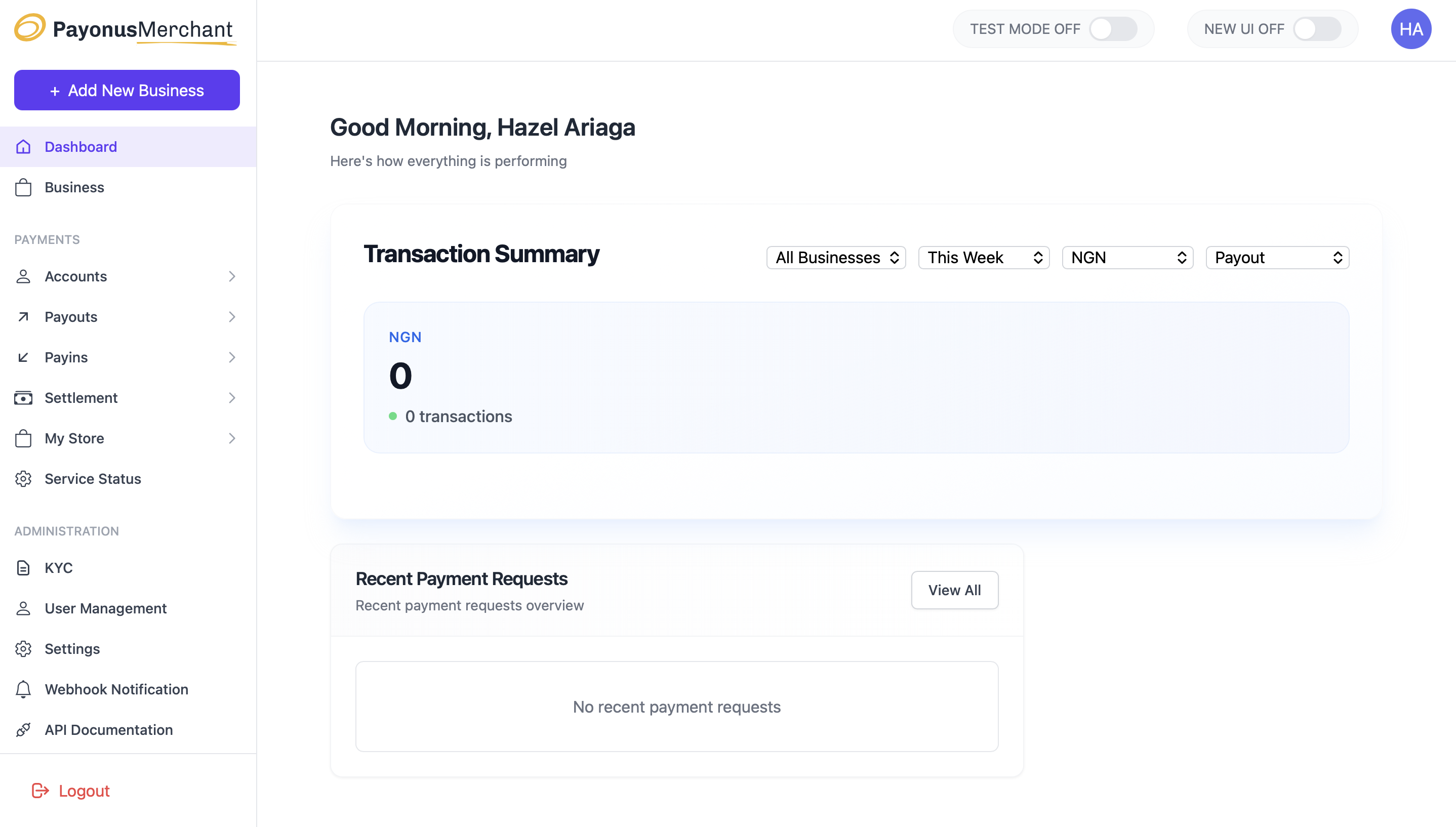
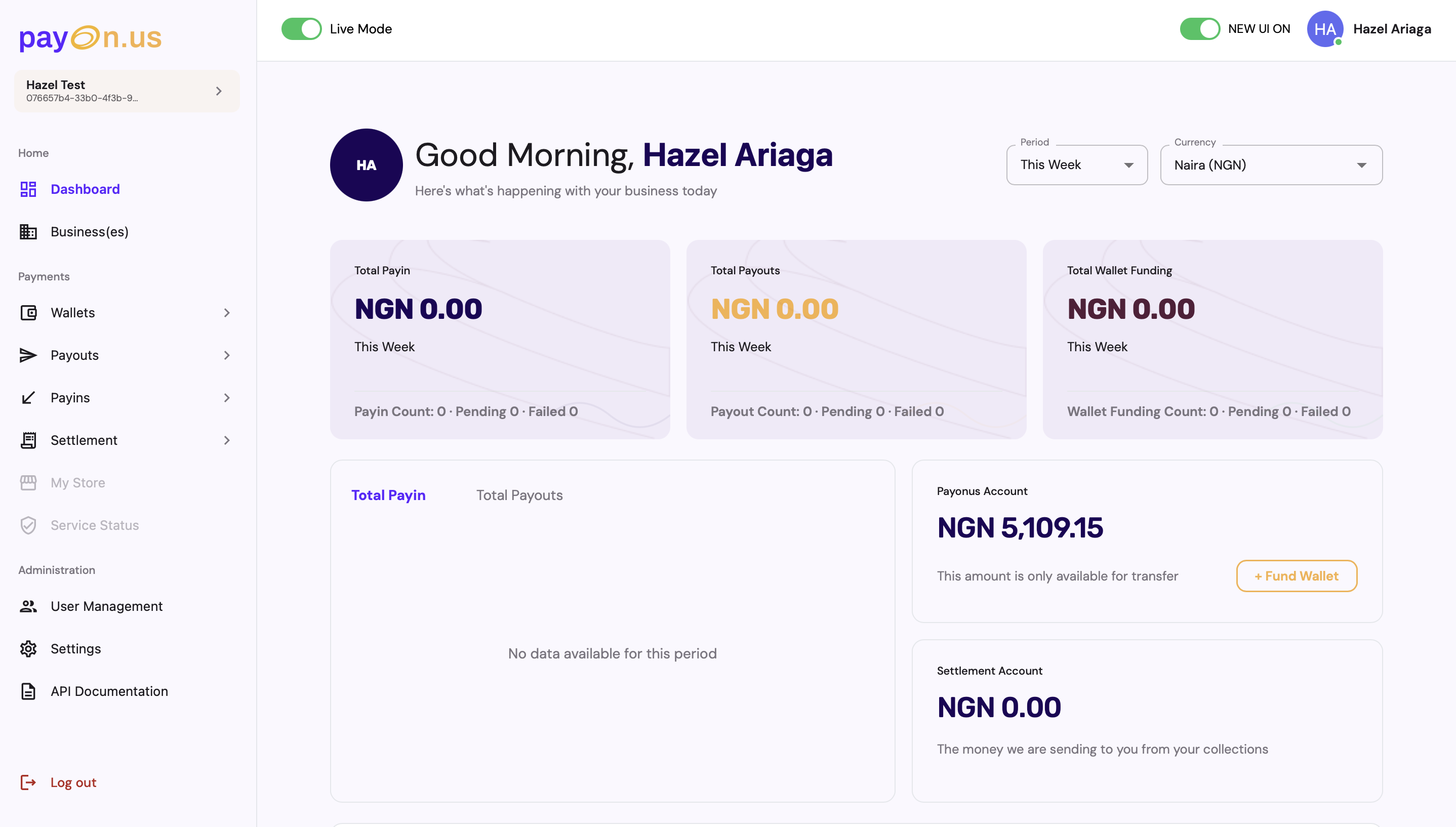
Leading payment product design at my current fintech role. Designing the full Payonus product experience — from payment flows and transaction history to onboarding and trust design. Working at the intersection of compliance constraints and delightful UX in the African payments context.

Fintech Payments Trust Design Onboarding
05

Estility PLC

HR Tech Product Design · 2022–2023

Designed core product features for Estility, an HR technology platform — bringing my HR consulting background directly into the design work. One of the first projects where I demonstrated that domain expertise and design skills together produce better products than either alone.

HR Tech Enterprise UX Domain Expertise
My thinking
Design is not decoration. It is the architecture of decisions that shape how people interact with power.

My approach to design is shaped by an unusual background: political science, HR consulting, and a transition into tech that started with a genuine question — "why are African workers so underserved by the tools built for them?"

I believe the most important design skill in 2025 is judgment. Not the ability to use Figma, but the ability to decide what to build, how to frame it, and when a design is actually done. AI has automated the execution layer; what remains uniquely human is the strategic layer.

I document that thinking publicly — through essays, breakdowns, and stories at @techwithtomiwa. Not as content, but as a way of thinking out loud about what AI, design, and Africa mean together.

Connect on LinkedIn →
Innovation storytelling

Building in public.
Thinking out loud.

I run @techwithtomiwa across Instagram, TikTok, YouTube, Substack, and Medium — a platform dedicated to exploring how AI is reshaping Africa's workforce, creative economy, and design landscape.

It's not a content strategy. It's how I process what I'm building, seeing, and thinking — and share it with an audience that cares about the same intersection: design, technology, and Africa's place in the global economy.

The topics I return to most: what happens to African workers when AI automates mid-level knowledge work, how vibe-coding is democratising product building across the continent, and what it means to build for users that global tech has historically ignored.

Get in touch

Let's build
something
that matters.

Open to AI product design roles, design leadership conversations, freelance engagements, and anything at the intersection of design, AI, and Africa.